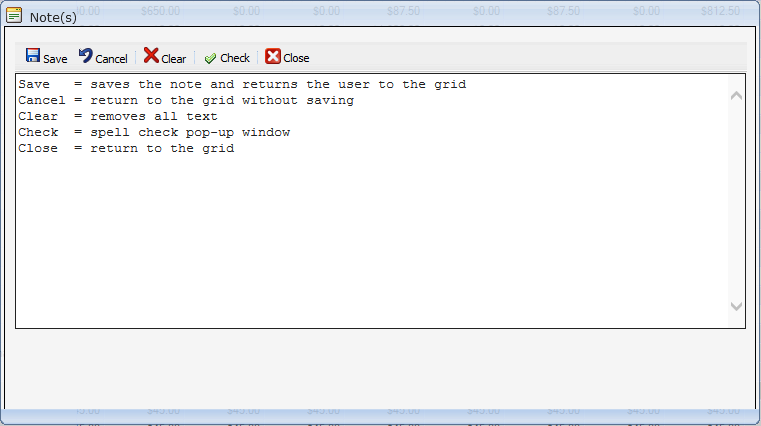
Notes rSquared Team July 09, 2019 21:59 Updated Click on "Notes"... at the end of the row; the "Note(s)" pop-up window appears containing a toolbar. Enter the text and click Save on the toolbar. If an asterisk appears Notes*..., a note has been saved. Related articles Input Modes Recovery Training Comments 0 comments Article is closed for comments.

Comments
0 comments
Article is closed for comments.